 TinyTX
Familiar by feel.
Spring-centered roll, pitch, and yaw. A throttle that stays where you put it. Mode 2, just like your radio.
PRECISION, WITHOUT THE HARDWARE
YOUR IPHONE. YOUR FPV TRANSMITTER.
Turn the phone in your pocket into a finely tuned FPV transmitter. Real gimbal behavior. Haptics you can feel. Your favorite simulator.
Mac companion requires macOS 15+ and TinyTX on iPhone.
~100 Hz
STICK UPDATES
Mode 2
FAMILIAR CONTROLS
All feel
TUNABLE HAPTICS
SMALL TRANSMITTER. BIG PLAYGROUND.
Uncrashed
LIFTOFF
VelociDrone
Connect as a virtual joystick, then map and calibrate in your simulator.
01 / THE FEEL
The little details make a real radio feel right. TinyTX brings them to the glass.
Spring-centered roll, pitch, and yaw. A throttle that stays where you put it. Mode 2, just like your radio.
PRECISION, WITHOUT THE HARDWARE
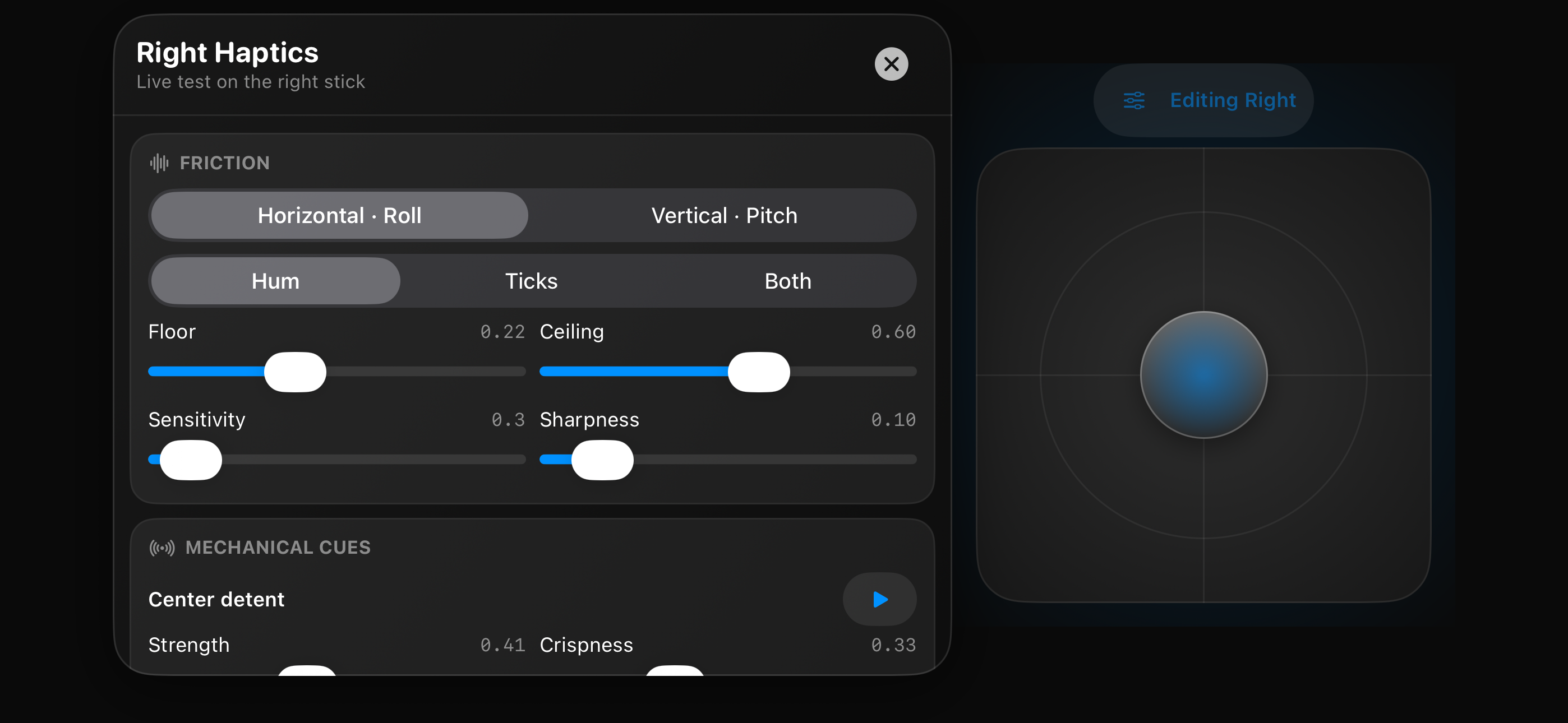
Feel the center. Find the edge. Dial in friction, detents, and crispness, then test them live on the stick.
POWERED BY CORE HAPTICS
Your iPhone finds your Mac on the local network. Stick updates stream at about 100 Hz to keep your flight flowing.
LOCAL NETWORK. AUTOMATIC DISCOVERY.
02 / FROM POCKET TO COCKPIT
Your iPhone is the transmitter. The Mac companion makes it a controller your simulator can see.
Download TinyTX, drag it into Applications, and launch it. Approve the driver in System Settings → General → Login Items & Extensions → Driver Extensions.
Run TinyTX on your iPhone with iOS 26 or later. Join the same Wi-Fi network as your Mac and wait for the Linked status.
Open your simulator, choose TinyTX Virtual TX, and follow its stick calibration. Set your channels, bring the throttle to idle, and arm.
03 / CLEAR FOR TAKEOFF
Get the Mac companion. Grab your iPhone. Find your flow.
macOS 15+ · Version 0.1.0 · Automatic updates
You’ll also need TinyTX on iPhone (iOS 26+).